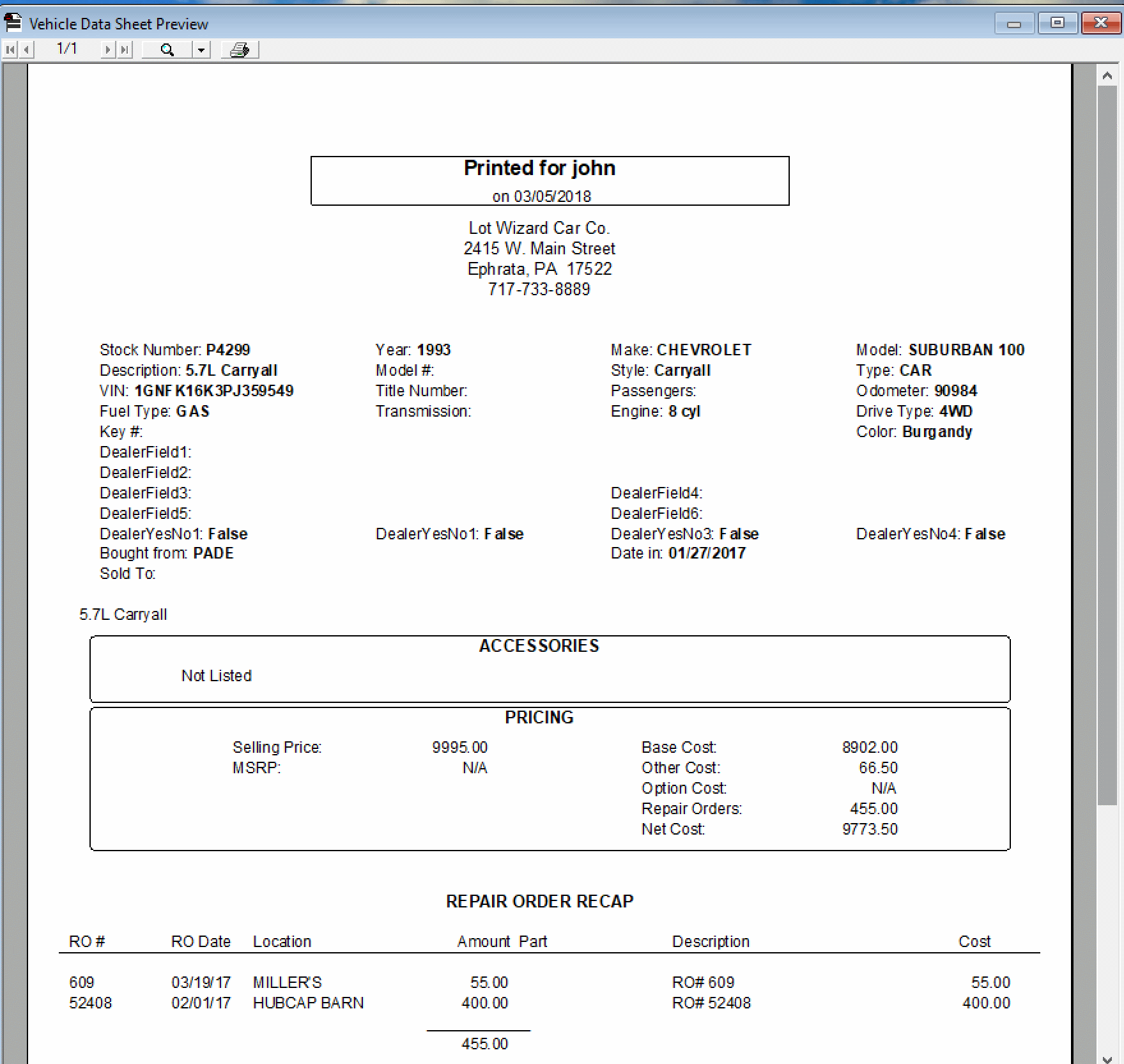
The Vehicle Data Sheet prints a listing of the specific details for a single vehicle.
This report is only available when a specific vehicle is open under the Vehicle Details screen. Click to review how to load a vehicle.
There are two ways to access the report:
➢Click on the 'Inventory Sheet' command on the left side of the screen, OR
➢Click on 'Reports' in the top horizontal tool bar, then select Vehicle Data Sheet from the pull-down menu.
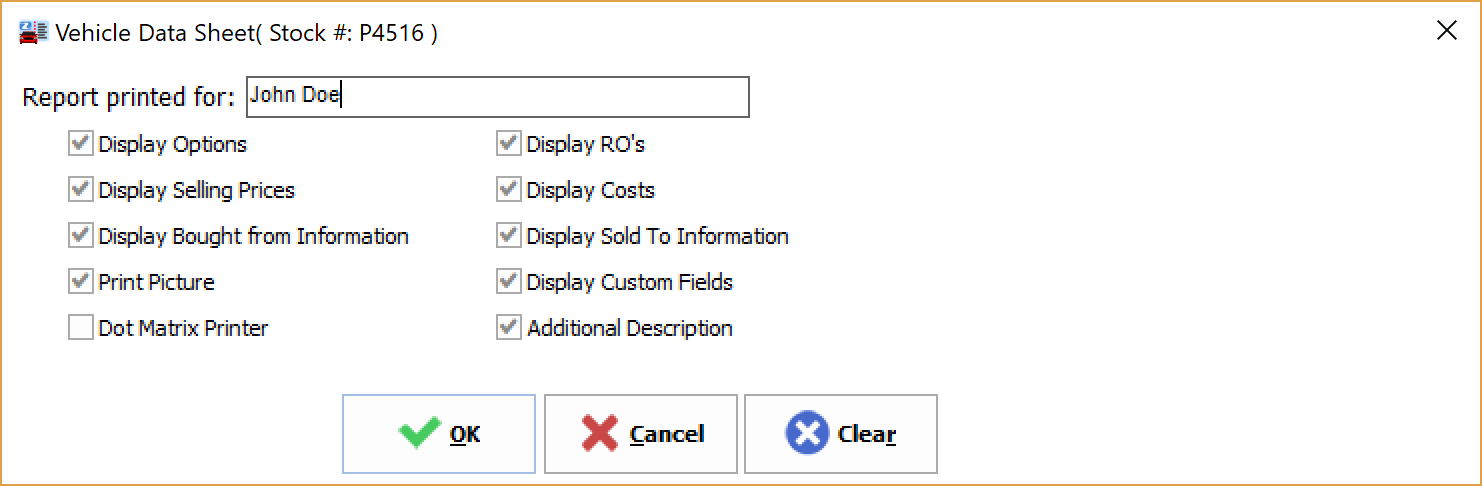
The Vehicle Data Sheet window will open. Use the check boxes to select various optional information to include in the report.
Click OK to see a preview before printing. See example shown below.