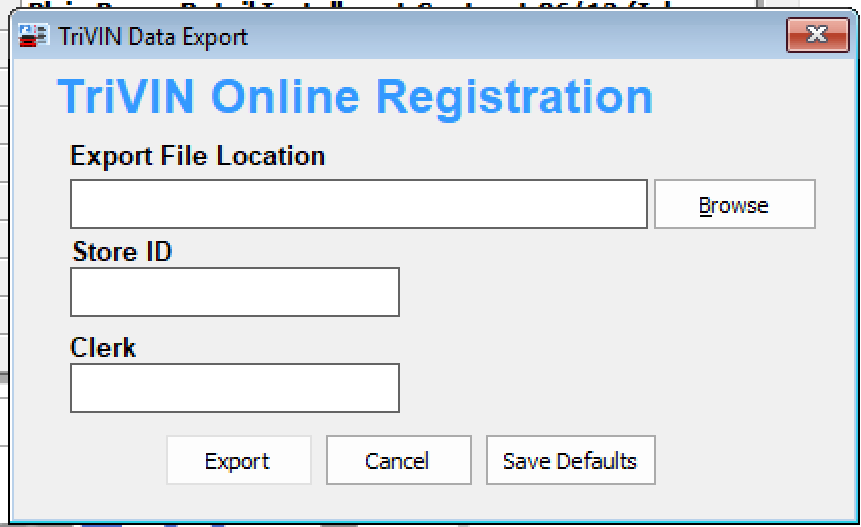
TRiVIN/DealerTrack is a service that allows the dealer to do online vehicle registrations.
You must have an account with DealerTrack to use this function.
When you open a DealerTrack account, the company will place a folder on your computer's hard drive.
To use this function:
➢Click on the tab '6-Print Documents'.
➢Click 'Export to TriVin OLR'
➢A new window will appear. Fill in your Store ID and Clerk fields (supplied by DealerTrack).
➢'Export File Location' should fill in automatically. If not, contact DealerTrack.
➢Click the 'Export' button.